We use cookies to make your experience better.
To comply with the new e-Privacy directive, you agree to the privacy policy and our use of cookies.

Docking Stations

A platform into which you can install a portable computer. The docking station typically contains slots for expansion cards, bays for storage devices, and I/O connectors for peripheral devices, such as printers and monitors. Once inserted in a docking station, the portable computer essentially becomes a desktop model computer. Most importantly, the same data is accessible in both modes because it resides on the portable computer's drives. The idea behind docking stations is to let you simultaneously enjoy the expansion possibilities of desktop model computers with the portability of notebook computers. In addition, the docking station enables you to use a full-size keyboard and monitor when you're not traveling.
Shop By
-
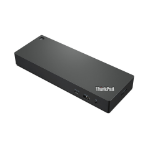
Lenovo ThinkPad Universal Thunderbolt 4 Wired Black
Thunderbolt 4, 8K, 40Gbps -
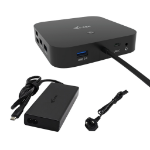
i-tec USB-C HDMI Dual DP Docking Station with Power Delivery 100 W + Universal Charger 100 W
USB-C HDMI Dual DP Docking Station with Power Delivery 100 W + i-tec Universal Charger 100 W -
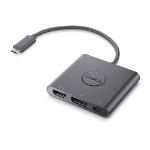
DELL Adapter USB-C to HDMI/DP with Power Pass-Through
USB-C - DisplayPort / HDMI / USB, 3840 x 2160, 60 Hz, 62 g -
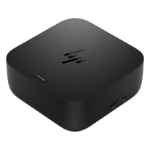
HP USB-C 100W G6 Dock Wired USB 3.2 Gen 2 (3.1 Gen 2) Type-C Black
HP USB-C 100W G6 Dock, Wired, USB 3.2 Gen 2 (3.1 Gen 2) Type-C, 100 W, 25000 Mbit/s, Black, Jet black -
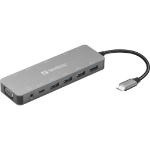
Sandberg USB-C 13-in-1 Travel Dock
Sandberg USB-C 13-in-1 Travel Dock -
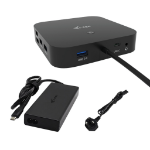
i-tec USB-C Dual Display Docking Station with Power Delivery 100 W + Universal Charger 100 W
USB-C Dual Display Docking Station with Power Delivery 100 W + Universal Charger 100 W -
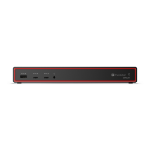
Lenovo ThinkPad Thunderbolt 5 Smart Dock 7500 Wired Black
ThinkPad Thunderbolt 5 Smart Dock 7500 - UK/HK/SGP/MYS/SRI -
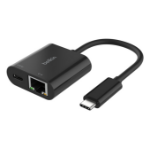
Belkin INC019BTBK laptop dock/port replicator Wired USB 3.2 Gen 1 (3.1 Gen 1) Type-C Black
USB-C to Ethernet, Charge Adapter 100W -
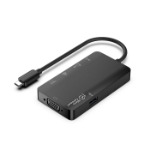
Microconnect USB3.1CCOM14 laptop dock/port replicator Wired USB 3.2 Gen 1 (3.1 Gen 1) Type-C Grey
Premium USB-C, 2 x USB3.0 A, RJ45, HDMI, VGA, Type C, Dock, hub -
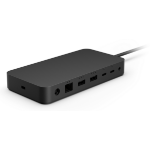
Microsoft Surface Thunderbolt 4 Dock Wired Black
Surface Thunderbolt 4 Dock for Business