We use cookies to make your experience better.
To comply with the new e-Privacy directive, you agree to the privacy policy and our use of cookies.

Keyboards & Mice

The keyboard is the main input peripheral used by all computers. The keyboard allows for user input and interaction with the computer. Much like many typewriters the keyboard has all the letters of the alphabet, numbers 0 - 9 and additional special operational keys, e.g. for adjusting the volume or going to your inbox directly. There are three different connection types: - USB is the most modern. You can recognize it by the rectangular connector. - PS/2 connectors are round. This type of connection is fairly commonly used by PC's. - Bluetooth is another modern (wireless) connection method.
Shop By
-
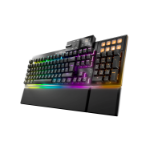
be quiet! Dark Mount Silent Linear UK ISO keyboard Gaming USB QWERTY UK English Black
Dark Mount, Silent Linear, UK ISO, RGB, USB, 1000 Hz -
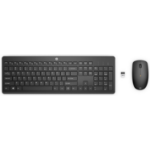
HP 235 Wireless Mouse and Keyboard Combo
235 Wireless Mouse and Keyboard Combo -
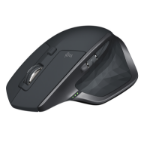
Logitech MX Master 2S Wireless Mouse
MX Master 2S Wireless Mouse -
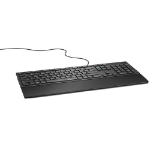
DELL Wired Keyboard - KB216 - Swedish/Finnish (QWERTY) - Black
Wired Keyboard - KB216 - Swedish/Finnish (QWERTY) - Black -
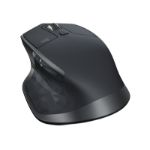
Logitech MX Master 2S Bluetooth Edition Wireless Mouse
Logitech MX Master 2S Bluetooth Edition Wireless Mouse -
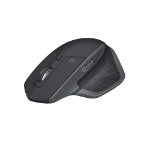
Logitech MX Master 2S Wireless mouse Office Right-hand RF Wireless + Bluetooth Laser 1000 DPI
RF 2.4 GHz, 10 m, 200 - 4000 DPI, Li-Po 500 mAh, 85.7 x 126 x 48.4 mm, 145 g -
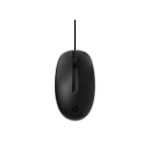
HP 125 Wired Mouse (Bulk120)
125 Wired Mouse (Bulk120) -

CHERRY DW 9100 SLIM keyboard Mouse included Universal RF Wireless + Bluetooth AZERTY French Silver
105 + 6 keys, 2.4 GHz - 2.4835 GHz, Bluetooth 4.0, 10 m, USB-C, France -
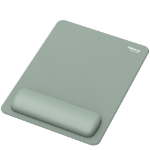
Fellowes Breyta XL Mouse Mat Wrist Rest XL Mouse Pad Wrist Support with Antibacterial Protection Ergonomic Mouse Mat Sage
Fellowes XL Mouse Mat Wrist Rest Breyta XL Mouse Pad Wrist Support with Antibacterial Protection Ergonomic Mouse Mat Sage -
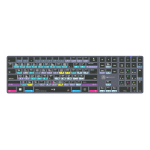
Logickeyboard LKB-RESB-TPC keyboard Home/Office USB + Bluetooth QWERTY UK English Black
DaVinci Resolve TITAN Wireless Backlit Keyboard - Windows